SwitchBot smart lock
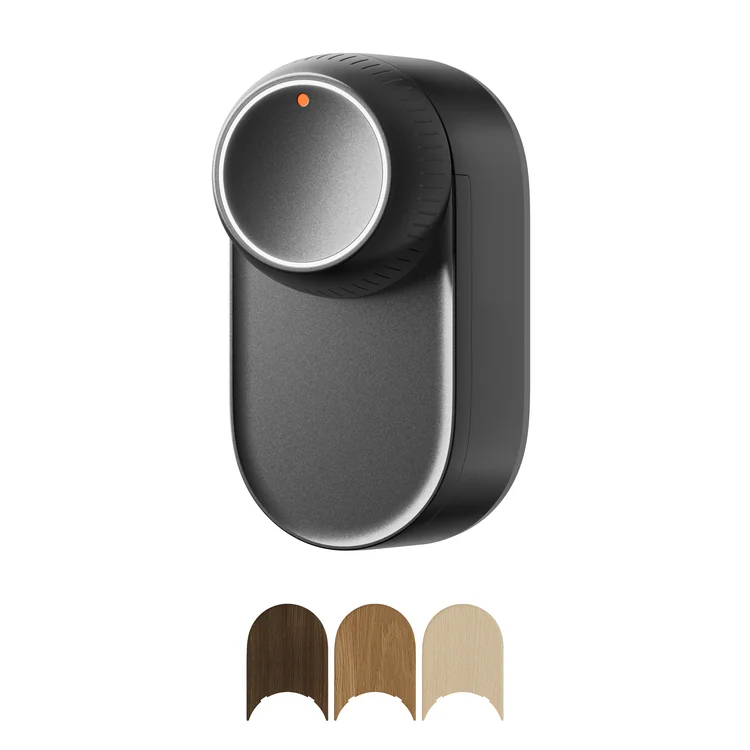
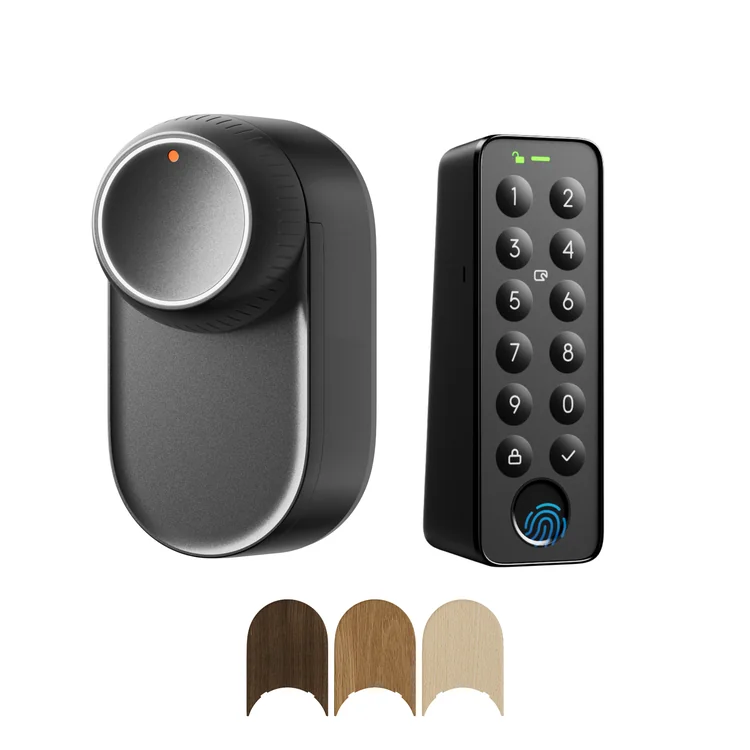
The motor lock mounts on the inside of compatible doors. We select the model for your cylinder and locking mechanism.
SwitchBot + MyRent integration
MyRent integrates with SwitchBot to connect reservations to guest access. It automatically generates a PIN for each reservation, with a defined access start and end, from check-in to check-out.
Access follows the reservation
MyRent uses reservation data to prepare the guest PIN. Access has a clear start and end, just like the stay.
After 18 August at 10:00, this PIN is no longer valid.
All dates, times and the PIN are illustrative. They do not represent a real reservation or active access.
Three parts of one access setup
A SwitchBot lock, the right keypad and MyRent form a setup for guest arrivals without a key handover. We select the devices to suit the doors and installation.
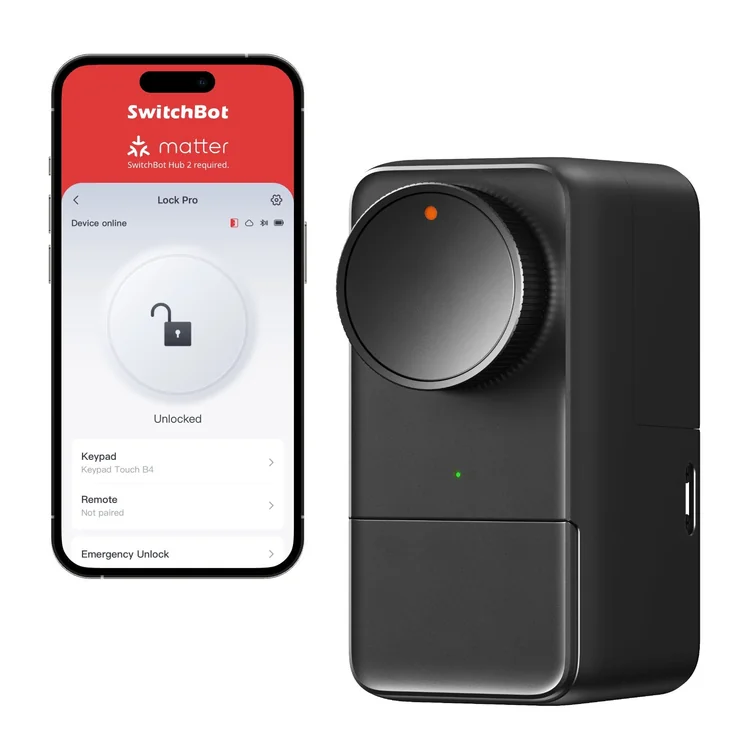
The motor lock mounts on the inside of compatible doors. We select the model for your cylinder and locking mechanism.
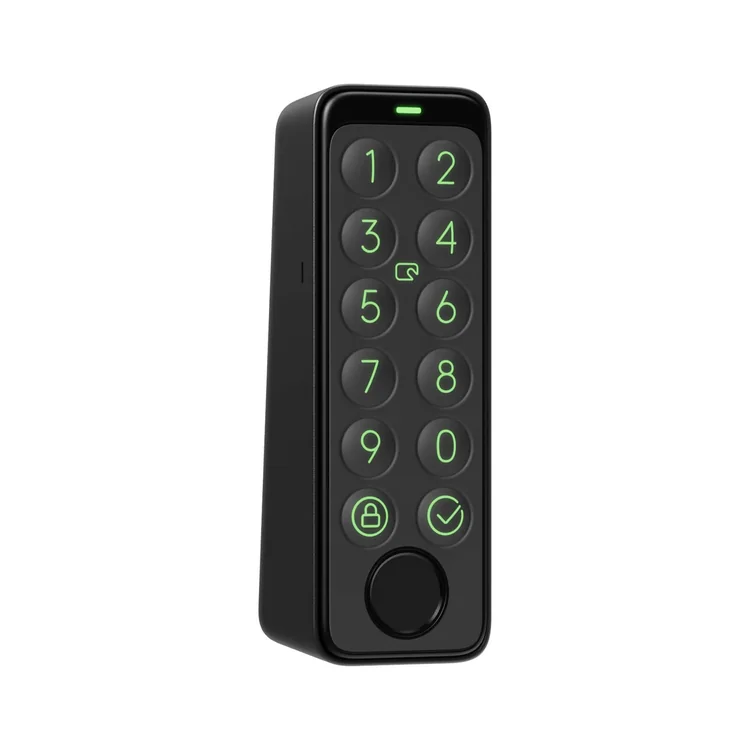
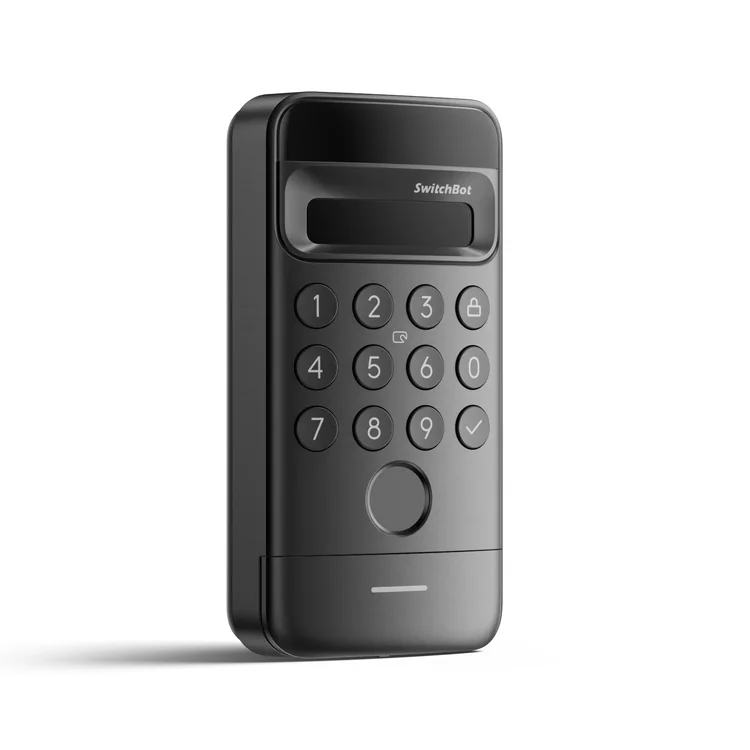
The guest enters the PIN on a suitable exterior access device. Choose the keypad separately or as part of a kit.
MyRent automatically generates a reservation-linked PIN with defined access start and end times.
Lock Ultra and Lock Pro have no built-in keypad for PIN entry. Guests need the appropriate SwitchBot keypad for this access method, purchased separately or in a kit.
Access for holiday accommodation
A retrofit approach for compatible doors. Whether the mechanical key remains usable is checked against the cylinder and installation.
With a compatible keypad, the guest enters using a PIN. This supports self check-in for apartments and holiday homes.
The guest PIN is valid only during their access window. After the set end time, it can no longer be used to enter.
SwitchBot
MyRent supports all SwitchBot smart locks and access devices in our range. Choose a motor lock and keypad suited to your installation.
Works with MyRent. Before quoting, we check that the chosen configuration fits your doors. Price on request.
Motorised locks
Retrofit motor lock for compatible doors. PIN entry requires a separate compatible SwitchBot keypad.
Motorised locks
Motor lock for a compatible existing cylinder. PIN needs a separate keypad; Matter is a configuration with a suitable hub.
Keypads
Separate keypad for PIN, fingerprint and NFC card access with a compatible SwitchBot lock.
Keypads
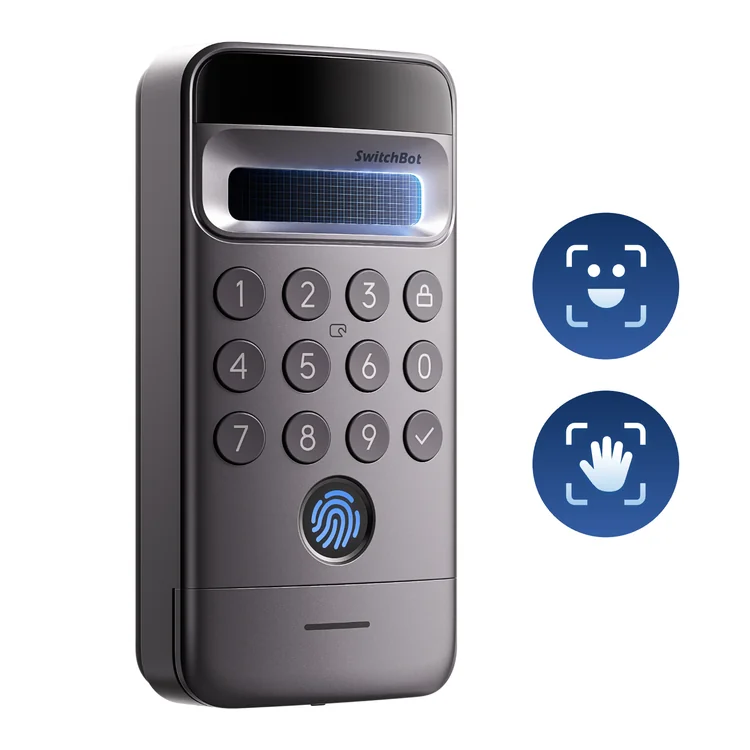
Access device with PIN keypad and facial recognition for a compatible SwitchBot lock.
Keypads
Access device with PIN keypad, facial and palm recognition for a compatible SwitchBot lock.
Before choosing the hardware
Compatibility depends on the existing cylinder, fittings, locking mechanism and available space. We review photos and basic door details before recommending a setup.
Check door compatibilityWhat we check before installationSend an enquiry through our form first. You can email the photos after our first reply.
SwitchBot + MyRent
About reservations, PINs and choosing the right SwitchBot configuration.
MyRent automatically generates a PIN linked to the reservation. Arrival and departure details define the access start and end times, and the guest enters the PIN on the SwitchBot keypad.
The PIN is valid from the check-in time to the check-out time set for the reservation. Outside that window, the guest cannot use it to enter.
For PIN access through a compatible keypad, the guest does not need an app: they enter the PIN valid for their stay on the keypad.
Yes. Lock Ultra and Lock Pro are motor locks without their own PIN input. For PIN access, choose an appropriate SwitchBot keypad, either in a kit or as a separate device.
The choice depends on the cylinder, fittings, locking mechanism and interior clearance. Send an enquiry with the basics; you can email photos after our reply. We then recommend a lock and keypad for your doors.
The PIN is no longer valid after the set access end time. The guest code remains tied to the reservation period, rather than permanent access to the property.
Tell us about the property and doors. We will recommend a lock and keypad for self check-in with MyRent.