Accessories
MYSTIC EXTENDER
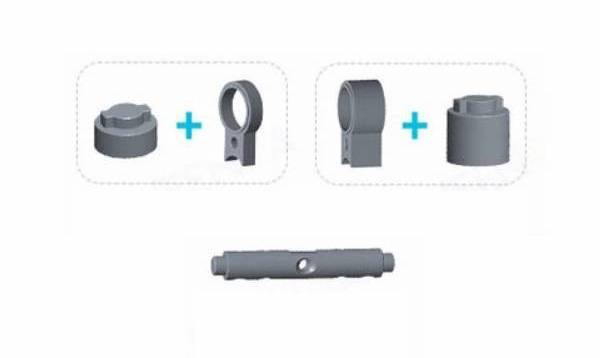
Extension for MYSTIC LITE / FP; select the size to suit the cylinder.
Price on requestDetails and variants
MyRent
Choose a model for your doors and access needs. MyRent brings together selection, distribution, integration of supported versions, installation and service.
Badges apply to the displayed variant. Capabilities can differ within a family.
Controllers, keypads, gateways and parts are separate from physical locks. Equipment compatibility is checked against the chosen device.
Accessories
Extension for MYSTIC LITE / FP; select the size to suit the cylinder.
Accessories
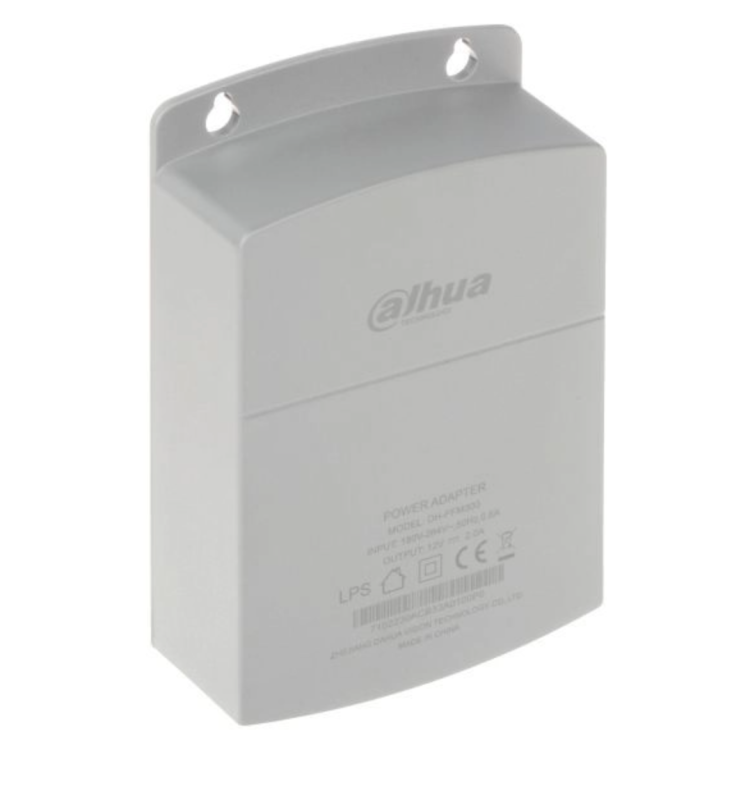
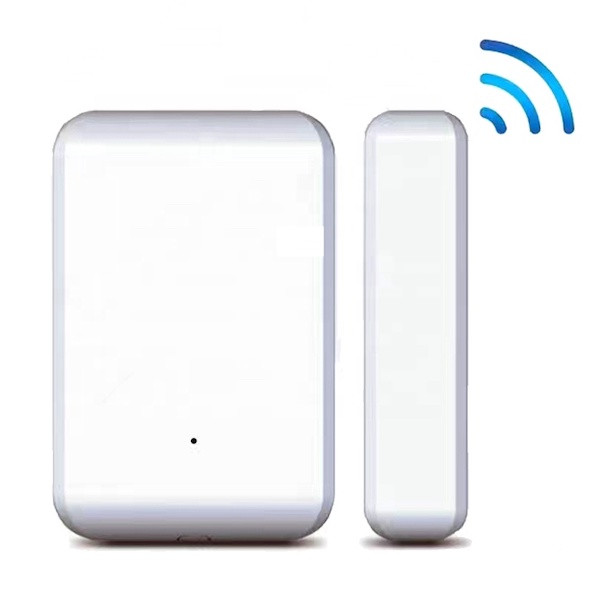
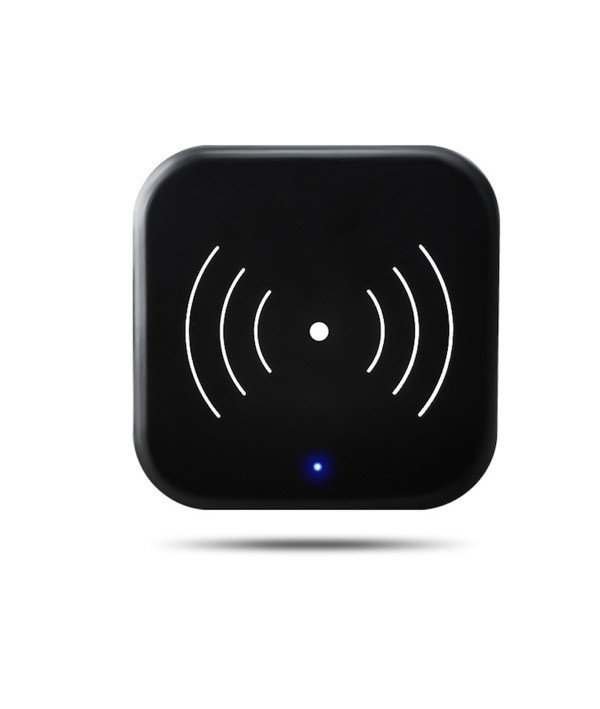
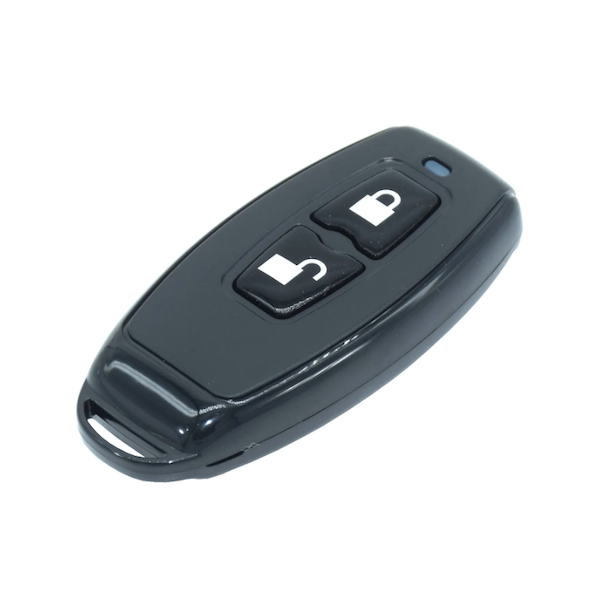
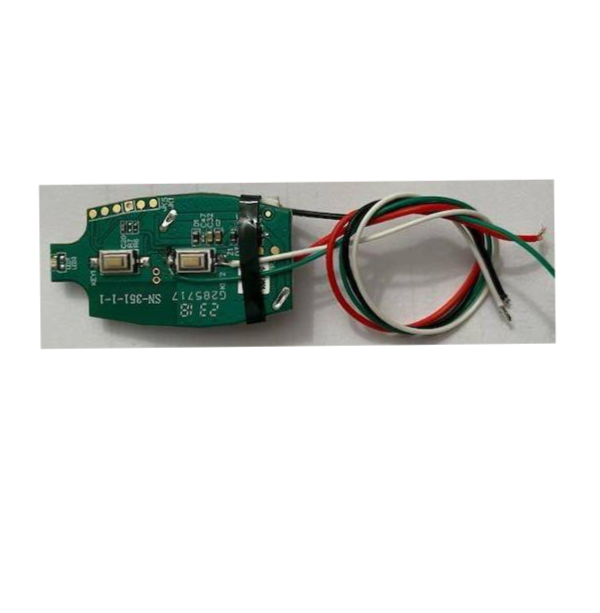
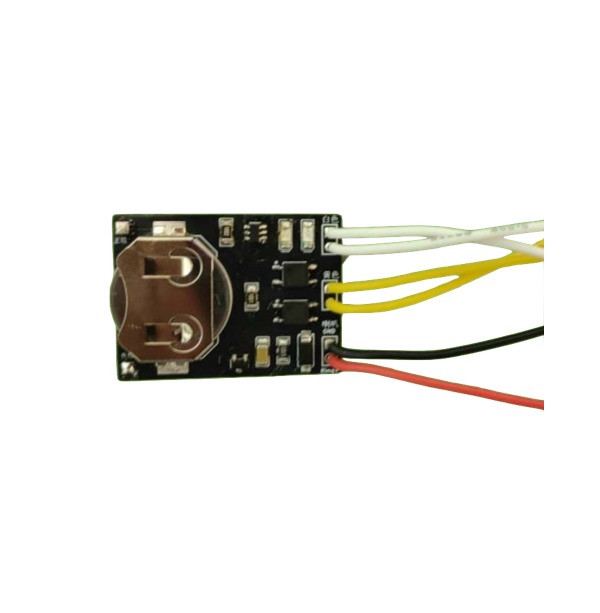
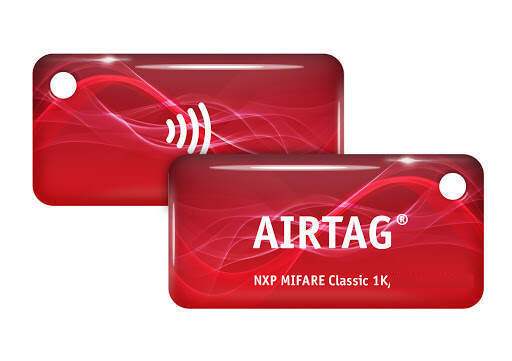
Accessory; compatibility with the selected system is checked before ordering.
Accessories
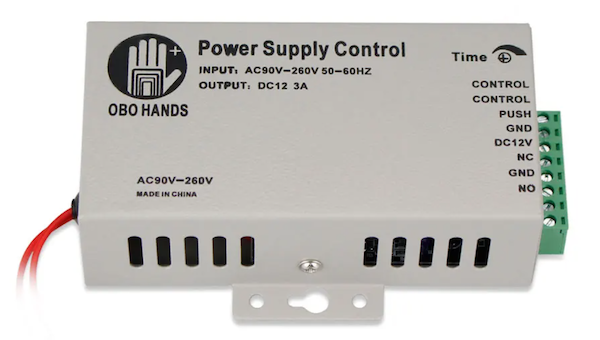
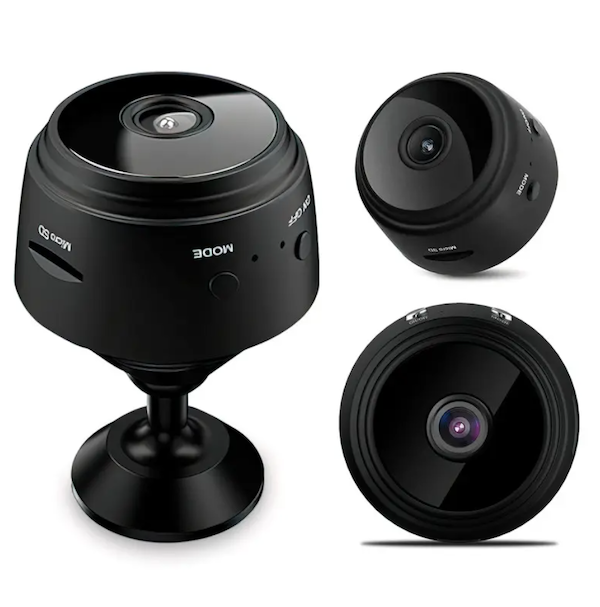
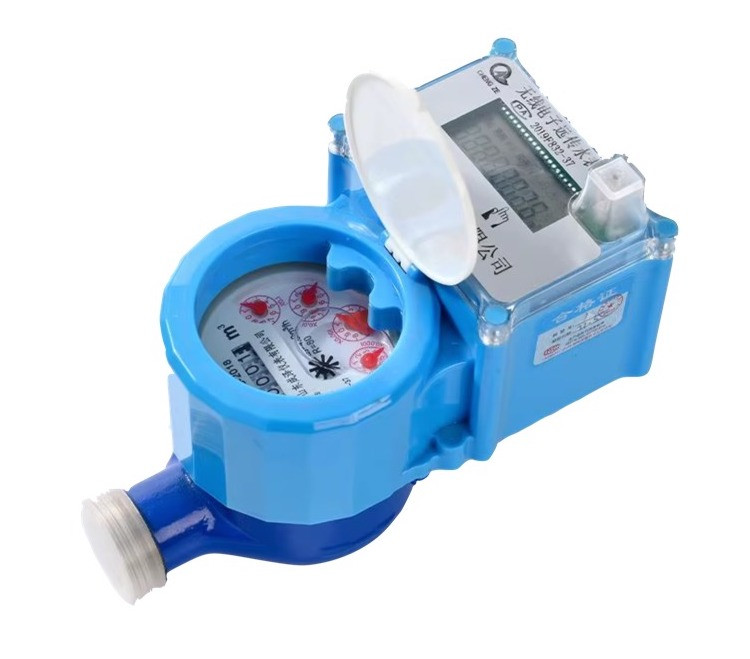
Accessory; compatibility with the selected system is checked before ordering.
Accessories
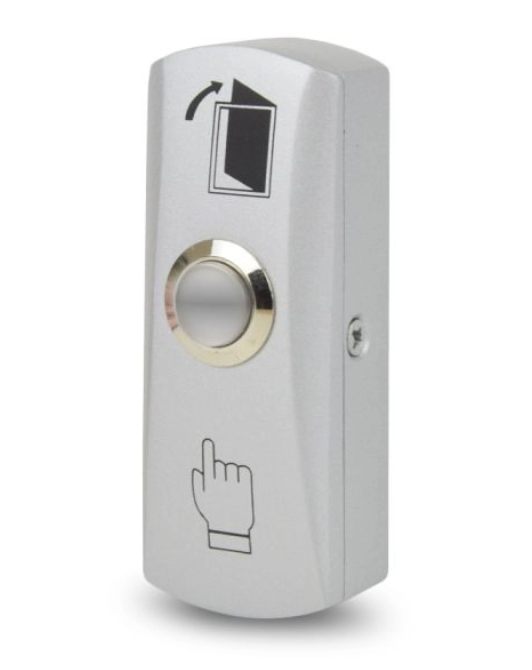
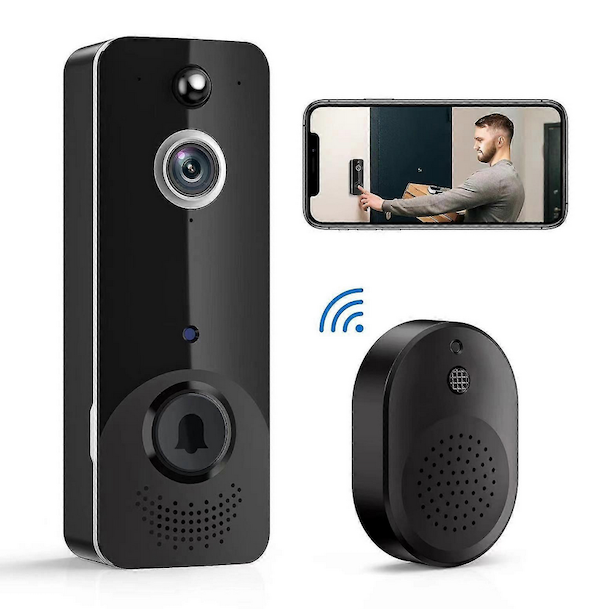
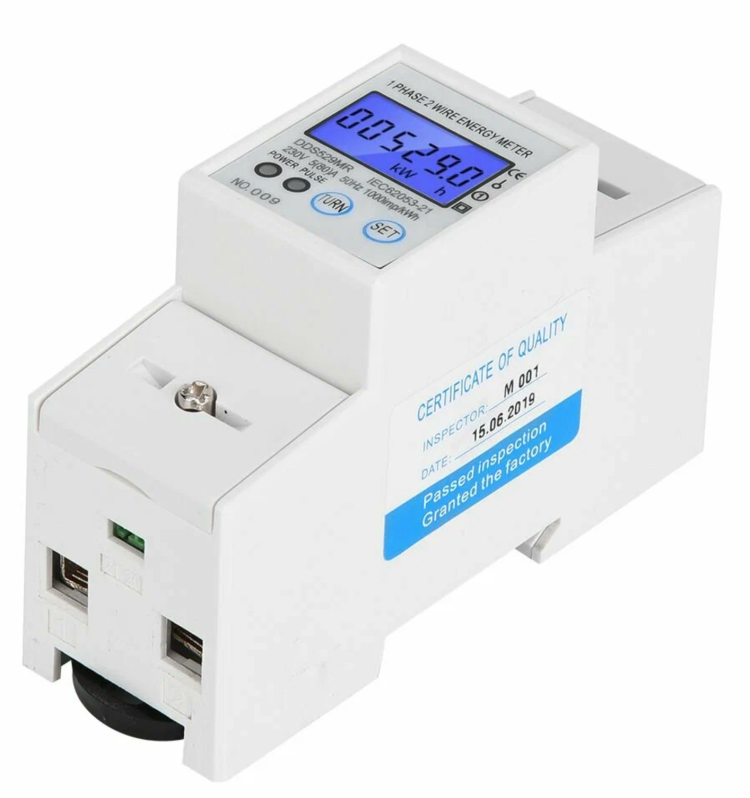
Accessory; compatibility with the selected system is checked before ordering.
Accessories
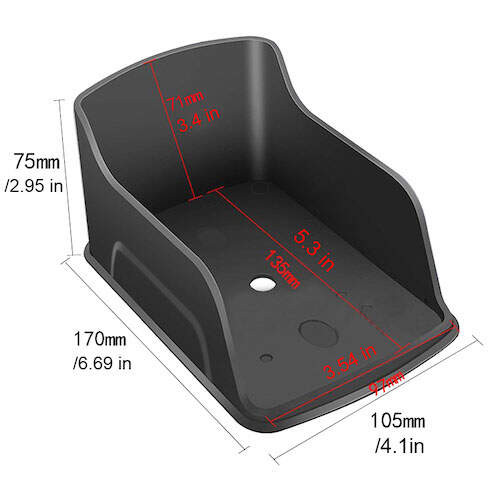
Protective device cover against sun and rain.
Accessories
Accessory; compatibility with the selected system is checked before ordering.
Accessories
Accessory; compatibility with the selected system is checked before ordering.
Accessories
Accessory; compatibility with the selected system is checked before ordering.
Accessories
Accessory; compatibility with the selected system is checked before ordering.
Accessories
Accessory; compatibility with the selected system is checked before ordering.
Accessories
Accessory; compatibility with the selected system is checked before ordering.
Accessories
Accessory; compatibility with the selected system is checked before ordering.
Accessories
Accessory; compatibility with the selected system is checked before ordering.
Accessories
Accessory; compatibility with the selected system is checked before ordering.
Accessories
Accessory; compatibility with the selected system is checked before ordering.
Accessories
Accessory; compatibility with the selected system is checked before ordering.
Accessories
Accessory; compatibility with the selected system is checked before ordering.
Not sure which model to choose?
Door type, preferred access method and property use guide the choice. Together, we check installation needs and what is required for remote control.
MyRent access automation
MyRent directly manages supported TTLock locks, including relevant access logs and settings. It also supports all SwitchBot locks and access devices in our range, linking the guest PIN to the reservation and its defined access period.
Defined stay dates
Connects stay and access
Valid from–until
No physical key handover
At the pre-set time
Access for different roles applies to supported TTLock solutions. The SwitchBot guest PIN is valid for the reservation period. A PIN expires at the set time, not when a person physically leaves. Before installation, we check the doors and required lock/keypad combination.
Connect your property with MyRent ↗Here beyond the purchase
Our own MyRent installer network brings together recommendations, installation and support. Location, scope, timing and cost are agreed for your property.
We check your doors, compatibility and access needs to recommend a suitable model.
Get a recommendation ↗We arrange installation, supported MyRent access configuration and an introduction to using your lock.
How installation works ↗We arrange service and preventive inspections, with an agreed maintenance plan after installation.
Arrange maintenance ↗Available every six months under an agreed maintenance plan. This is a service interval; battery life depends on the model and use.
Before you decide
We check the door type, thickness and existing mechanism. After your initial inquiry, we arrange for you to email photos and the required measurements.
MyRent supports the marked TTLock versions and every SwitchBot model in our range. We check door compatibility and select the lock and keypad when planning the installation.
Here, self check-in means physical access to the property using a time-limited PIN. Administrative guest registration is a separate process.
Before ordering, we confirm the model, availability, price, required equipment and configuration, plus agreed installation and maintenance.
Tell us the location, number of doors and how you want to manage access. Together, we will choose a lock and agree the next step.